How to Optimize GTA 6 on the Base PlayStation 5: Tips for Better Performance and Visuals
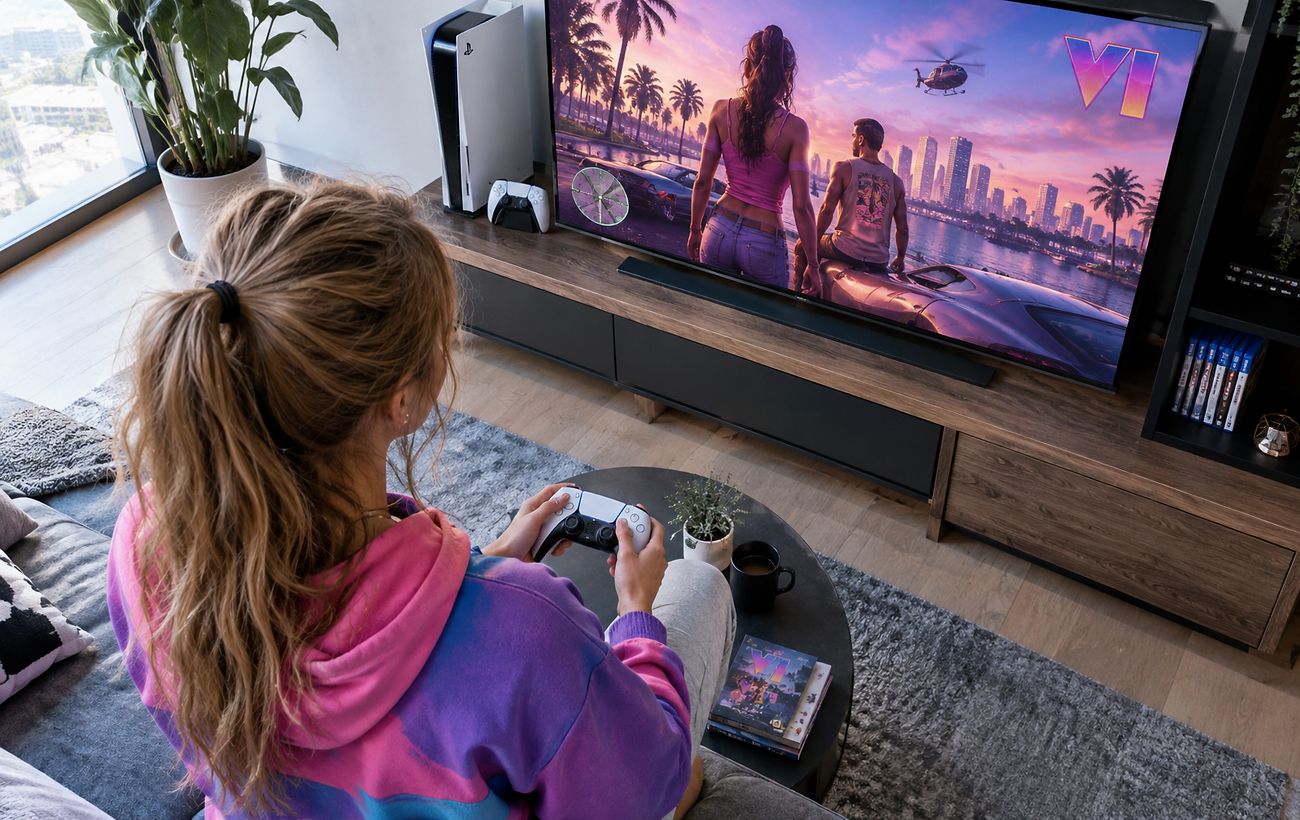
Gamers experiencing frame drops and blurry visuals in GTA 6 on the base PS5 can use specific console and in-game tweaks to improve performance.
 💡Tech
Photo: RBC-Ukraine
Key points
- Base PS5 users face frame drops and blur in GTA 6
- Clearing system cache in Safe Mode improves stability
- Adjusting motion blur and HDR enhances visual clarity
The launch of Grand Theft Auto 6 has brought immense excitement, but players using the base PlayStation 5 console are reporting occasional frame rate drops below 30 FPS during heavy action scenes, alongside image blur and crashes. While the enhanced PS5 Pro handles the heavy load more smoothly, owners of the standard console can apply specific technical adjustments to make their gaming experience much more stable and visually pleasing.
Technical Steps to Enhance Performance
Since simply reinstalling the game rarely fixes optimization hiccups, users and tech reviewers recommend targeted system maintenance. Clearing the system cache and rebuilding the database via Safe Mode can noticeably smooth out performance. Additionally, turning off the HDCP setting under the HDMI menu in system configurations is known to help reduce micro-stutters during intensive gameplay sessions.
To combat visual blurriness caused by the lack of advanced spatial scaling hardware on the standard console, players should adjust display settings directly within the game. Fine-tuning the Motion Blur Strength slider according to display type, recalibrating HDR, and ensuring that the television is set to its dedicated 'game mode' will all contribute to a sharper and more responsive presentation. While hardware limitations on the base model still apply, these steps ensure a much more enjoyable playthrough.
Source RBC-Ukraine — rbc.ua/ukr/news/gta-6-ps5-mozhe-pratsyuvati-krashche-ki-nalashtuvan… ↗
Read next
 🩺Health
Plate Balance: Five Foods That Combine Protein and Fiber
Nutrition experts have identified five accessible foods that contain optimal amounts of both protein and dietary fiber.
 🧠AI Analysis
Invitation to Moscow: German Defense Minister Evaluates the Idea of Talks with the Kremlin
German Defense Minister Boris Pistorius stated that Europe should consider Putin's invitation to Moscow, but real steps toward a ceasefire remain an absolute prerequisite…
 🧠AI Analysis
Complex legacy of the past: Denmark's oldest woman exposed for Nazi ties
A biographical book about Denmark's 112-year-old record-holder Kirsten Schwalbe was urgently recalled from sale following a journalistic investigation that revealed her N…
 ⚽Sport
The Voice of Ukraine winner RIDNYI receives a promised apartment in Kyiv after five years
Ukrainian singer RIDNYI has officially become the owner of the promised real estate in Kyiv following a five-year delay. The artist admitted that he trusted the developer…
 🧠AI Analysis
The Military Justice Debate in Ukraine: Why Experts Warn Against Hasty Reforms
The "Pryncyp" human rights center has published an analysis regarding the restoration of military courts, highlighting potential risks to judicial independence.
 🏛️Politics
NABU and SAPO Heads Summoned to Temporary Investigative Commission Over Parliamentary Oversight
Head of the temporary investigative commission Oleksii Honcharenko insists on a report from the leadership of NABU and SAPO in parliament, emphasizing the importance of a…